

Google Business Profile Verification in 2026: Methods, Timelines & What to Do When It Fails
A complete 2026 guide to GBP verification: every available method (video, postcard, phone, email, instant), how long each takes, why verifications fail, and how to fix a rejection without losing your listing.

On this page · 7 sections
- 01 The five GBP verification methods in 2026
- 02 How long does Google Business Profile verification take in 2026?
- 03 Why GBP verifications fail (and how to avoid it)
- 04 What to do when verification fails
- 05 Service-area businesses: special rules in 2026
- 06 After verification: what to do in the first 30 days
- 07 The bottom line
TL;DR
Google Business Profile verification is how Google confirms your listing is real before showing it in the Map Pack, on Google Maps, or in AI Overviews. As of 2026, Google offers 5 verification methods (video, postcard, phone, email, instant). Most competitive-category profiles route to video verification — 5-7 days when done correctly, 4+ weeks if retried.
- Video verification — most common in 2026; 5-7 days correct; 4+ weeks if retried
- Postcard — rare now; reliable when available
- Phone / email / instant — limited eligibility per category + Search Console state
- Suspension reinstatement — 2-4 weeks via GBP Help Center
- Avoid: address mismatches, category mismatches, keyword-stuffed names
Google Business Profile verification is the process Google uses to confirm that a business listing is owned by a real, eligible operator at a real location — before it allows that listing to appear on Google Maps, in the Map Pack, or in AI Overviews. As of 2026, Google offers five verification methods: video recording, postcard, phone call, email, and instant verification (for some Search Console-verified domains). Most new profiles in competitive categories are routed to video verification, which takes 5-7 days when done correctly and can take 4+ weeks when redone after a failure.
This guide covers every verification method available in 2026, exact timelines, the most common failure reasons, and step-by-step recovery if your verification gets rejected. Local SEO can't start until verification is complete — so getting this right on the first attempt is the single most important pre-rank task for any local business.
The five GBP verification methods in 2026
Not all methods are available for all businesses. Google routes the available options based on your business category, industry risk profile (legal, medical, locksmith, lead-gen verticals are higher-friction), service-area vs storefront status, and how new the listing is. Here's what each method looks like in 2026:
1. Video recording verification (most common)
You record a single unedited video walking through your business location, showing: the street and visible signage, the building exterior with address number visible, the interior with workspace/inventory/equipment that proves the business operates from this address, and any branded uniforms or vehicles if applicable. The video is uploaded directly inside the GBP dashboard — no editing, no cuts, no still photos.
Timeline: 5-7 business days for review after submission. Approval is binary: pass or fail. Roughly 30-40% of first-attempt video verifications fail, almost always for fixable reasons (see below).
2. Postcard verification (storefront only)
Google mails a postcard with a 5-digit code to the listed business address. You enter the code in the dashboard once received. Available primarily for verified storefront categories (retail, restaurants, brick-and-mortar services).
Timeline: 5-14 days for postcard delivery in the US, 2-4 weeks internationally. If the postcard never arrives or is lost, you can request one resend — after that, Google switches you to video.
3. Phone call / SMS verification
An automated call or text delivers a verification code to a phone number on the listing. Available for some categories with established business phone numbers (preferring landlines and registered VOIP over mobile).
Timeline: Instant when offered. Not offered to most new listings in competitive verticals.
4. Email verification
A code is sent to a business-domain email matching the website. Offered selectively, mostly for listings with strong existing trust signals (active Search Console property, established website history).
Timeline: Instant when offered.
5. Instant verification (Search Console)
If you've verified the matching website domain in Google Search Console with the same Google account you're using for GBP, and the categories match a list Google considers low-risk, instant verification is offered automatically. No video, no postcard, no waiting.
Timeline: Instant. The most painless route — verify your website in Search Console before claiming your GBP whenever possible.
How long does Google Business Profile verification take in 2026?
| Method | Best case | Typical | If failed/redone |
|---|---|---|---|
| Instant (Search Console) | 0 min | 0 min | N/A — succeeds or you're routed to video |
| 5 min | 1 hour | N/A — succeeds or routed to video | |
| Phone / SMS | 5 min | 15 min | 2-3 attempts allowed, then video |
| Postcard | 5 days | 7-14 days | One resend, then video |
| Video recording | 3 days | 5-7 days | +5-7 days per redo, 3-week cap before manual review |
If you're starting fresh today on a competitive category in a metro market, plan for 5-7 days for first verification and budget a buffer for a redo. If you have time and the option to verify your website in Search Console first, do it — instant verification can cut weeks off your timeline.
Why GBP verifications fail (and how to avoid it)
Based on hundreds of client verifications, these are the seven reasons that account for the vast majority of failed video verifications in 2026:
- Address number not clearly visible on the building during the recording. Fix: pan slowly across the visible address number for 2-3 seconds.
- No proof that the business operates from this location. An empty room or coworking lobby fails. Fix: show workspace, inventory, tools, or product samples specific to your category.
- Signage missing. If your category typically has external signage (storefronts), Google expects it. Fix: install signage before recording, even temporary vinyl.
- Service-area business showing only a residential exterior, no workspace. Fix: show a dedicated home-office workspace with branded materials, vehicle wraps, or equipment.
- Edited or cut video. Google's reviewers reject any video with jump cuts. Fix: record in one continuous take, no editing.
- Category-business-name mismatch. "Joe's Plumbing" categorized as "Locksmith service" fails instantly. Fix: pick the most specific category that genuinely matches what you do.
- Mismatch between listing name and visible signage / documents. "ABC Law Firm LLC" on Google but "Smith & Associates" on the door fails. Fix: align legal entity name with what's physically visible, or update the listing to match.
What to do when verification fails
A failed video verification is not the end of the listing. Google routes you back to the dashboard with a generic rejection message and a button to "try a different method" or "redo video." Here's the recovery playbook:
- Don't immediately redo the same video. First diagnose which of the seven failure reasons above applies to you. The rejection email is intentionally vague — the work is figuring out what was missing.
- Add a second verification asset before redoing. If you can simultaneously verify the website in Search Console, do it — some categories will auto-flip to instant verification on the next attempt.
- Record a more thorough video on the redo. Plan it: 30 seconds external (signage + address), 60 seconds internal (workspace, branded materials, equipment), 30 seconds documents (business license, utility bill if filming permits). Total 2-3 minutes is fine.
- After 3 failed attempts, contact Business Profile Support. A real human will manually review your case if you provide a utility bill, business license, lease, signage photos, and vehicle wraps. Manual reviews take 5-10 business days but resolve almost all stuck verifications.
Service-area businesses: special rules in 2026
Service-area businesses (SABs) — plumbers, electricians, home services, mobility installers, mobile vets — have a stricter verification pathway in 2026. Google updated the SAB guidelines significantly:
- Your physical address must not be displayed publicly on the GBP if you serve customers exclusively at their location.
- You must list service areas precisely (cities, zip codes, or regions — not a state).
- The video verification must show your workspace or branded vehicle in a way that proves the business operates from somewhere — not an empty office or shared coworking space.
- No more "hybrid" listings. You're either a storefront with customer visits or an SAB — not both.
If your SAB profile was approved before these 2026 changes, you're not retroactively penalized — but any edit that triggers a re-review may push you through the new ruleset. Plan accordingly.
After verification: what to do in the first 30 days
Verification is the start, not the finish. Once verified, the first 30 days set up everything downstream:
- Complete the profile: primary + secondary categories, business hours, services list, products, attributes, photo upload.
- Add 10-15 high-quality photos — building exterior, interior workspace, team, work-in-progress, completed projects.
- Write your first GBP post (services, offers, or updates) — aim for one per week minimum.
- Set up review-request workflow tied to your ops events. Goal: 3-5 reviews in the first 30 days.
- Audit citations across the top 25-50 directories for your vertical, fix NAP inconsistencies.
- Submit your XML sitemap in Search Console (if not already done).
- Run a Local Falcon grid scan to establish your baseline before optimization compounds.
For the full local SEO playbook after verification, see our Local SEO services page or the 30-step local SEO checklist (the Gurgaon edition is methodology-applicable to any market).
The bottom line
GBP verification in 2026 is more rigorous than it was even 12 months ago — mostly because Google is filtering out the lead-gen spam that ballooned through 2024-25. For legitimate businesses with a real address and real operations, the process is straightforward but unforgiving of carelessness. Take the extra 20 minutes to do the video right the first time, and you'll have a verified profile in a week. Rush it and you'll spend a month redoing videos and chasing manual review.
01 How long does Google Business Profile verification take in 2026?
02 What are the Google Business Profile verification methods in 2026?
03 Why does Google Business Profile video verification fail?
04 Can I verify my Google Business Profile instantly?
05 What do I do if my GBP verification keeps failing?
06 Can a service-area business get verified without a public address?
07 How long does GBP postcard verification take?
08 Will my listing get suspended if I edit it after verification?
09 Is GBP verification different in India / Asia compared to the US?
10 Do I need to be physically at the location during video verification?
Deepika Bhardwaj is the Founder of Max Growth Agency, where she helps businesses scale through strategic SEO, high-impact Content Marketing, and authoritative Digital PR. With years of hands-on experience in building organic visibility and brand trust, Deepika specializes in data-driven growth strategies that consistently deliver results.
Related posts
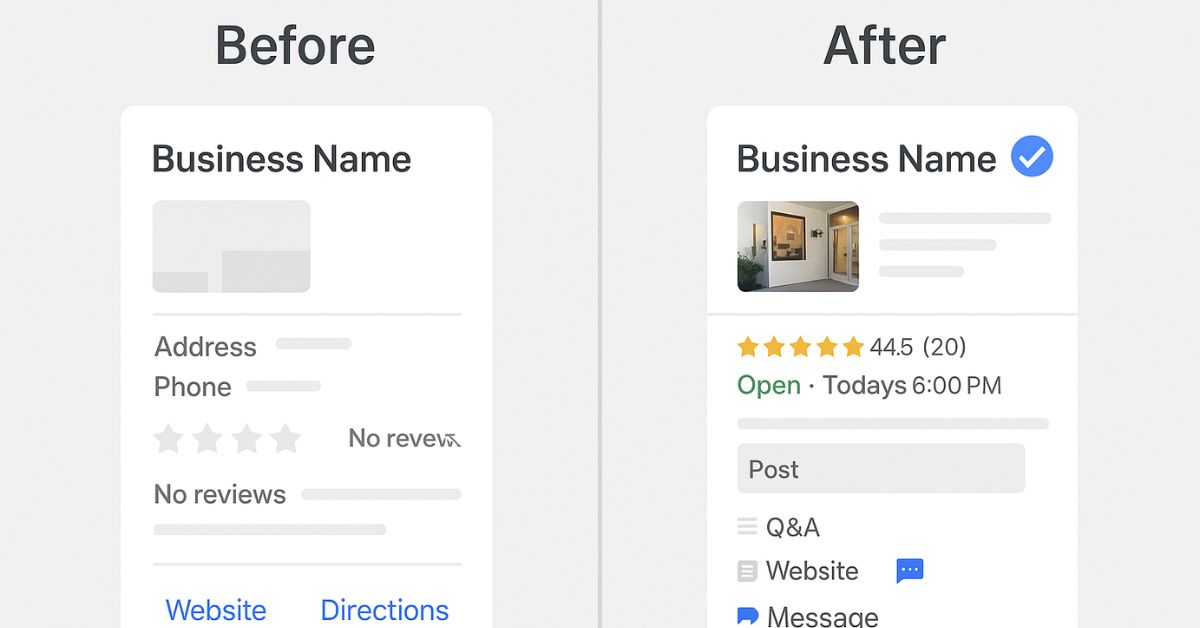
Google Business Profile Optimization in 2026: The Complete Map Pack & AEO Playbook
Outsourced Google Business Profile Optimization in 2026: The Operating Model
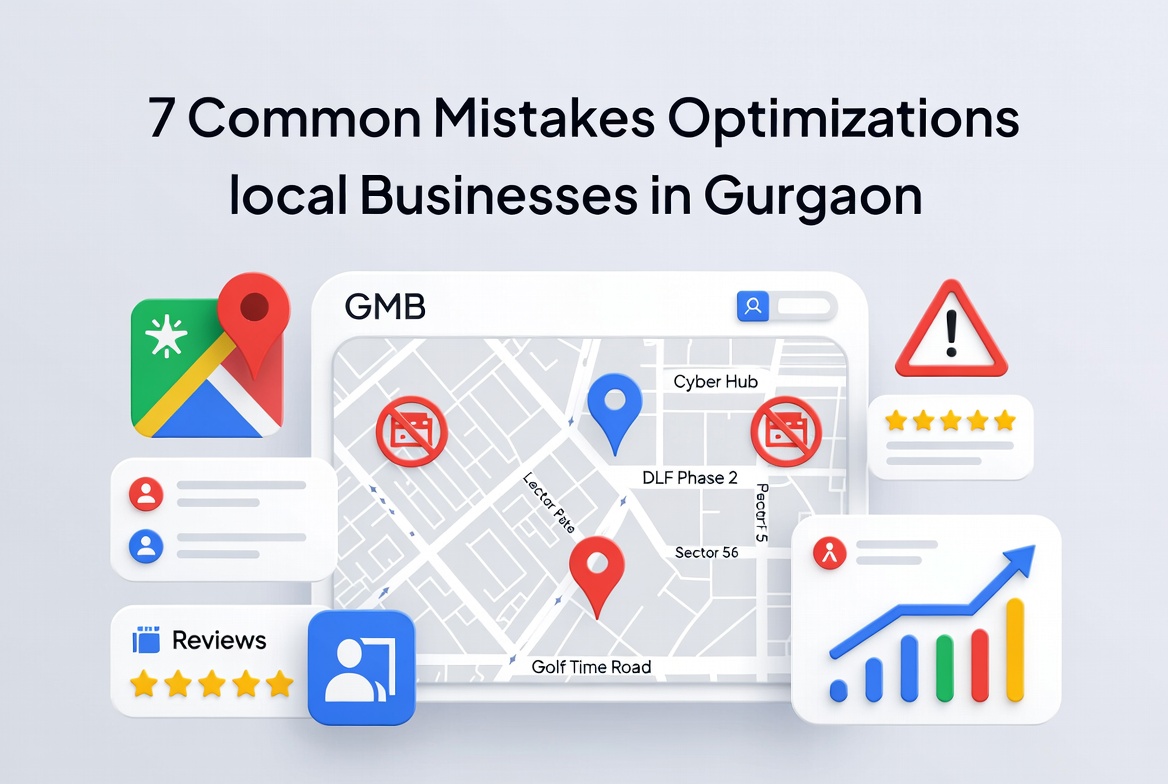
10 Google Business Profile Mistakes Gurgaon Businesses Make in 2026 (And How to Fix Them)
Best Business Directories for Gurgaon Businesses in 2026: Where to List for Local SEO
Get a free AI search audit.
We run your domain against ChatGPT, Gemini, Perplexity, and Google AI Overviews for 10 high-intent queries in your category. Short PDF, 48 hours, no sales call.
Email [email protected]